Step 1: Configure EdgeWorker
This step will guide you through setting up an EdgeWorker, uploading the CrowdHandler integration bundle and activating it.
-
Log in to your Akamai account.
-
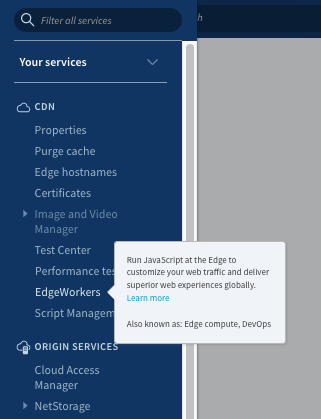
Open the side navigation and select the EdgeWorkers product.
-
Select "Create EdgeWorker ID".
-
Configure as Follows.
Name - CrowdHandler Group - Your Group ID Contract ID - Your Contract ID Resource Tier - Dynamic
-
Click Create.
-
Click on the ID of your newly created EdgeWorker.
-
Click create version button.
-
Download the latest Integration code bundle.
-
Click the upload file option and upload the integration code bundle that you downloaded.
-
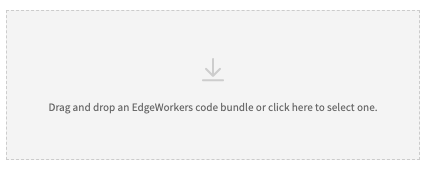 Click "Create Version".
 -
Click the ellipsis under the actions column and select "activate version".
-
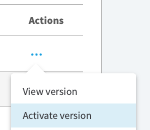 Activate the latest version on your chosen stage environment.
Activating the EdgeWorker will have no impact on your application/site until it has been associated with a property and deployed.