CrowdHandler Shopify App - Adding CrowdHandler to Checkout Rules
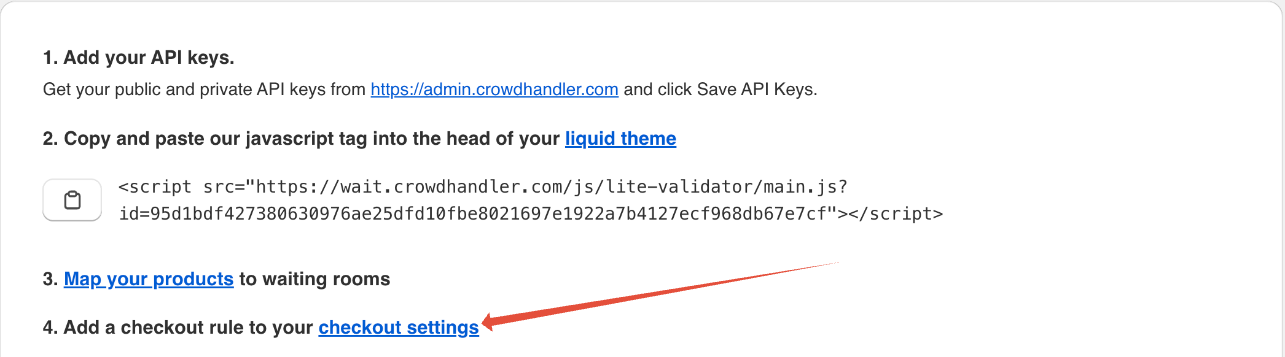
- Click the "checkout settings" link.
- Scroll down to the checkout rules section and click Add rule.

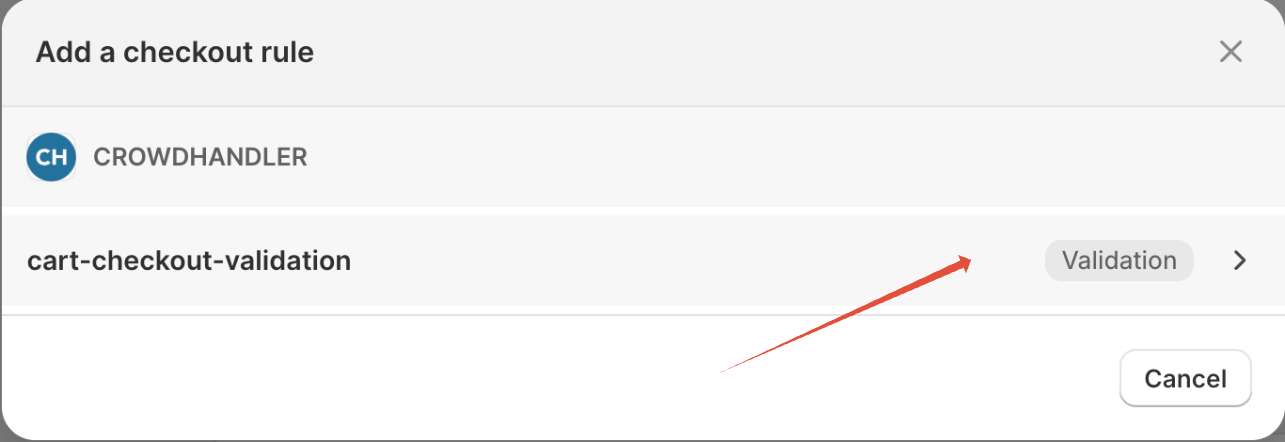
- Select the CrowdHandler cart-checkout-validation rule.
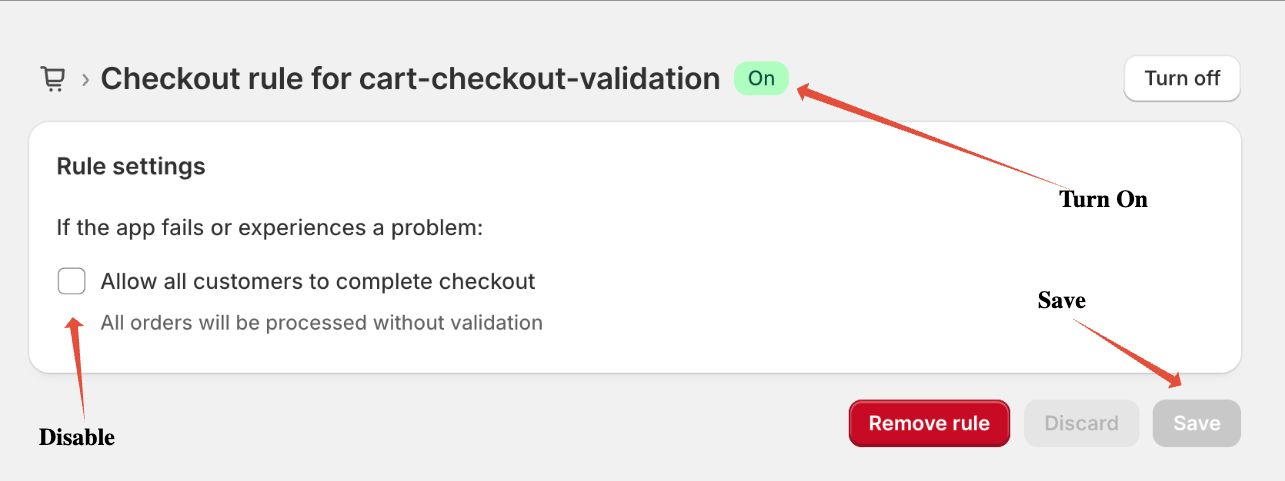
- Uncheck "Allow all customers to complete checkout", hit save, then hit turn on.