Integrazione con AWS CloudFront - Configurazione avanzata
Se necessario, è possibile modificare il comportamento dell'integrazione con AWS CloudFront modificando la funzione Lambda ` crowdhandler-viewerRequest ` installata nel proprio account AWS.
- Accedi al servizio AWS Lambda (us-east-1)
- Seleziona funzione crowdhandler-viewerRequest
- È possibile modificare i seguenti parametri di configurazione.
failTrust (booleano) (impostazione predefinita: true)
Se il valore è falso, un utente che non riesca a effettuare il check-in tramite l'API di CrowdHandler verrà indirizzato a una sala d'attesa di sicurezza fino a quando CrowdHandler non sarà in grado di decidere come gestirlo.
Se vero, gli utenti che non effettuano il check-in tramite l'API di CrowdHandler saranno considerati affidabili.
safetyNetSlug (stringa) (valore predefinito: non definito)
Se definito e se failTrust è impostato su false, questo slug della sala d'attesa verrà utilizzato come sala di riserva.
whitelabel (booleano) (impostazione predefinita: true) Se whitelabel è impostato su true, gli utenti verranno inseriti in coda nel dominio protetto da CrowdHandler. Ad esempio, se CrowdHandler è stato configurato per proteggere www.example.com, gli utenti verranno inseriti in coda sul www.example.com/ch/ . Non è necessario che la rotta /ch/ esista nella vostra applicazione. Se whitelabel è impostato su false, gli utenti verranno messi in coda sul dominio wait.crowdhandler.com di CrowdHandler. Maggiori informazioni sulle sale d’attesa whitelabel.
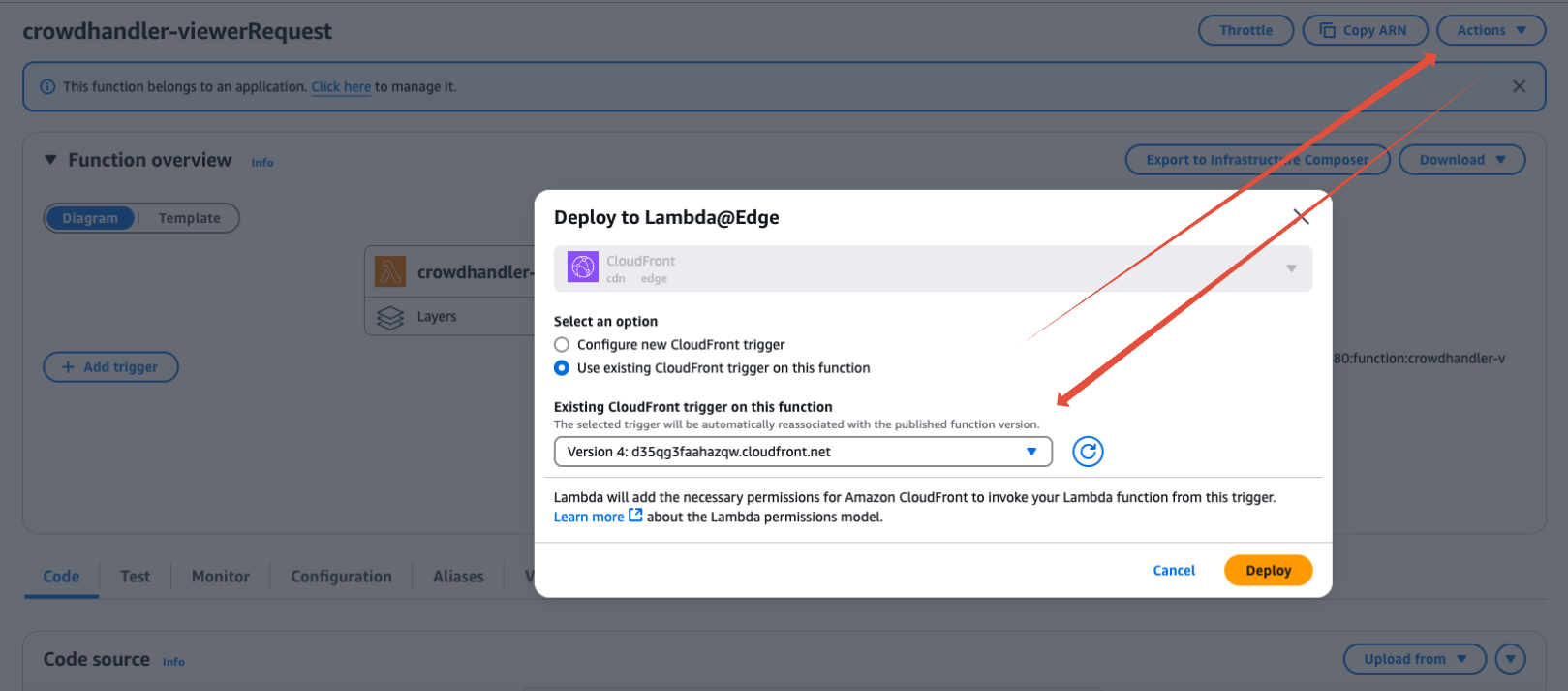
Una volta apportata la modifica, clicca su “Deploy” e poi invia il codice aggiornato a Lambda@Edge tramite il menu a tendina “Azioni”.